
A DAW (digital audio workstation) is the software you use to record, write, edit and mix music on a computer. If you have a laptop and headphones, you can start today with a free one. This guide explains what a DAW does, lists seven things you can do with one in your first month, and names the free option we’d start with.
What a DAW actually is
The term “digital audio workstation” once meant dedicated hardware: standalone recorders and mixing desks sold as complete DAW systems. Today it almost always means digital audio workstation software running on a normal Windows, macOS or Linux machine.
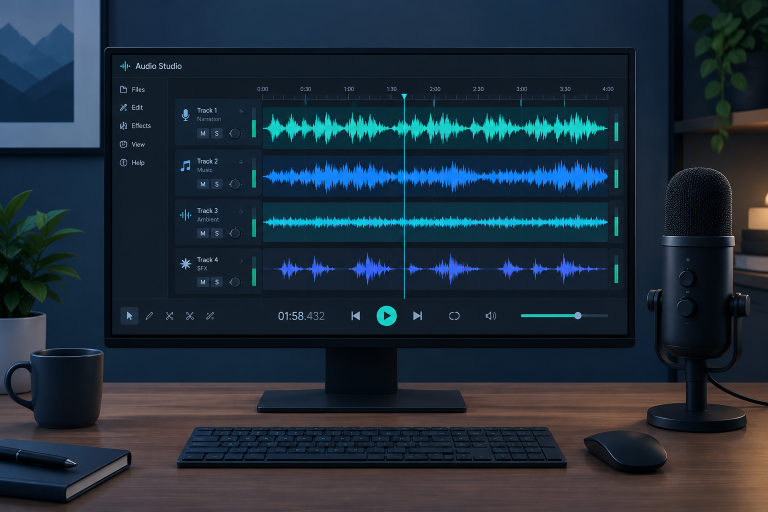
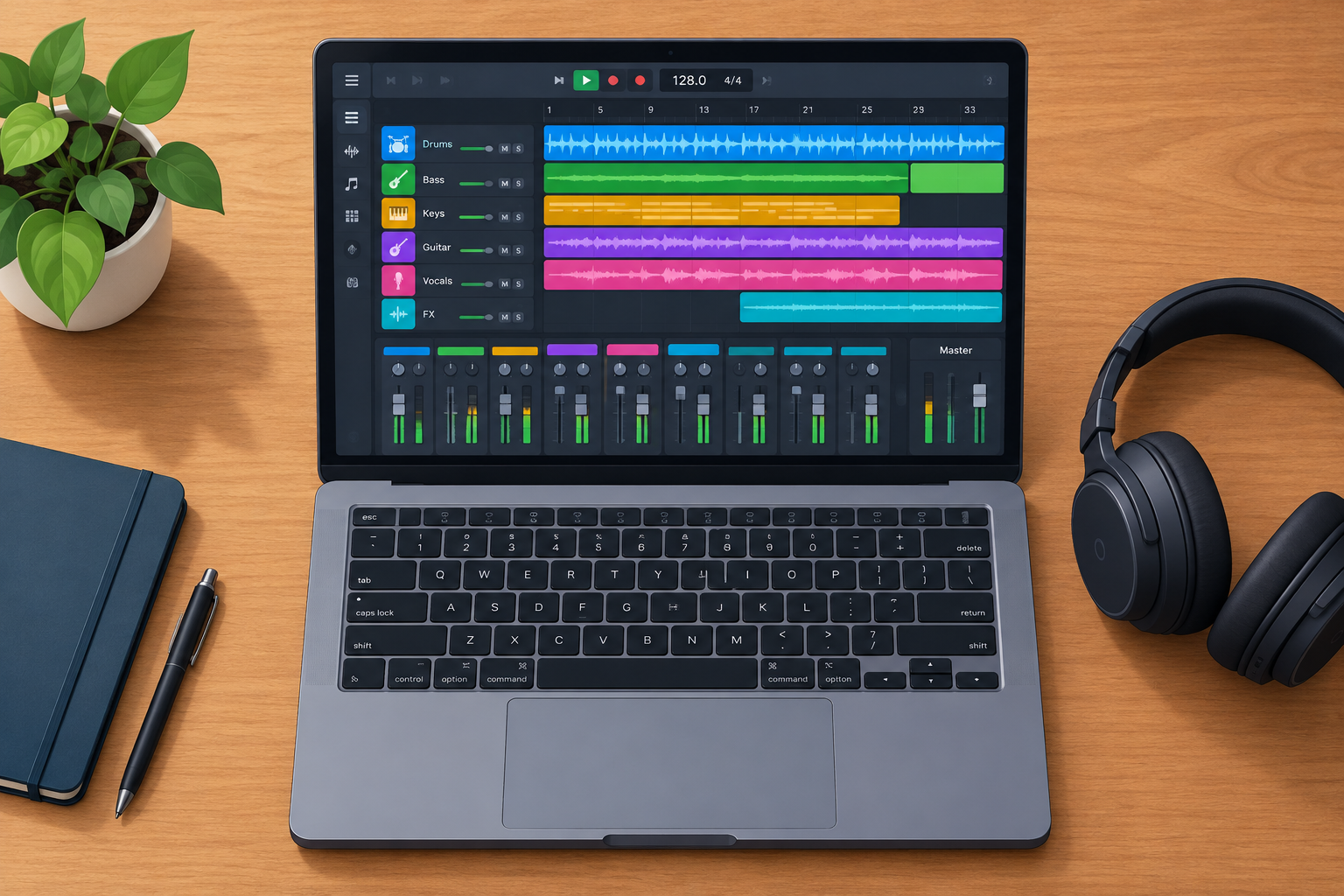
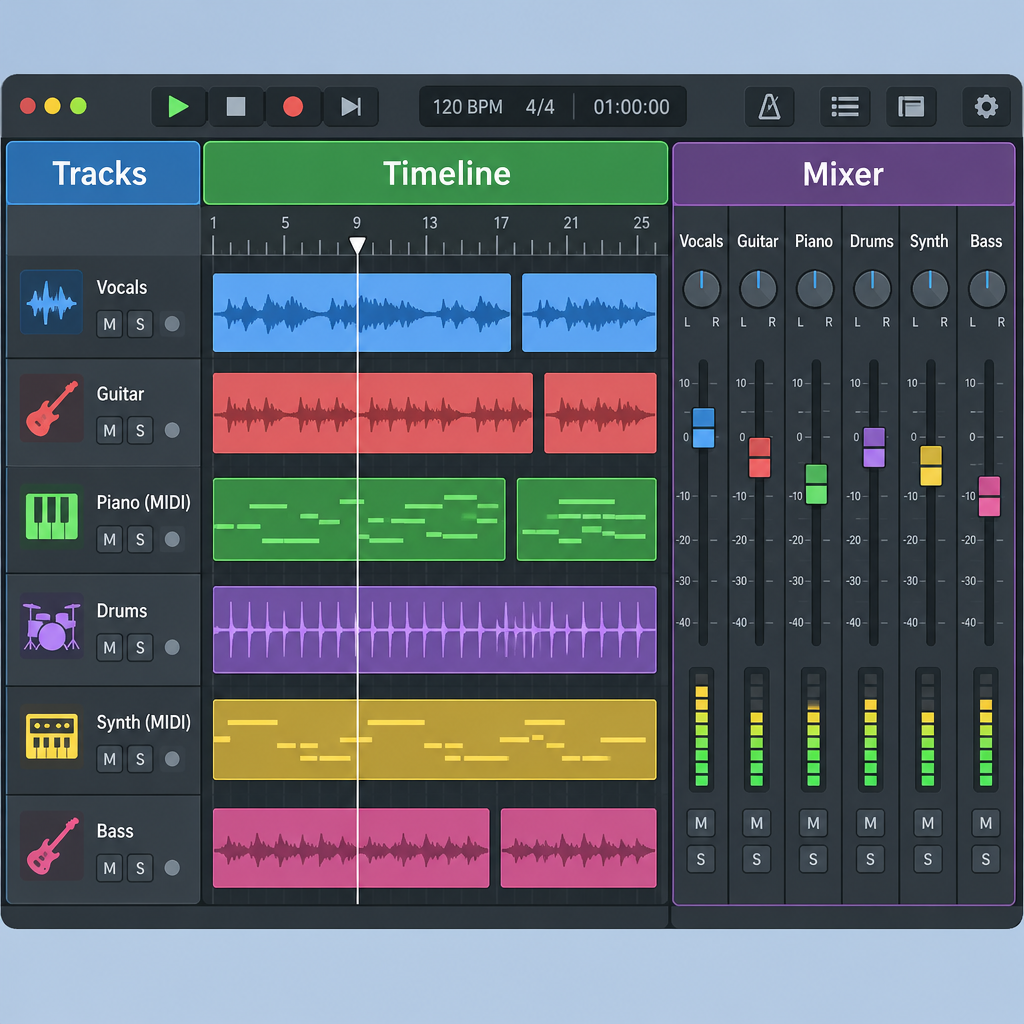
Every DAW shares the same core layout. A timeline runs left to right, and tracks stack top to bottom. Each track holds either audio (recorded sound, like a vocal) or MIDI (note data that tells a virtual instrument what to play). A mixer gives each track a volume fader, a pan control and slots for effects. Once you learn that layout in one DAW, you can find your way around almost any other.
A DAW is also different from an audio editor. The Audacity audio editor is excellent for trimming a podcast or cleaning up a recording. It has no proper MIDI editing, though, so it can’t replace a full DAW for writing music.
7 things you can do with a DAW as a beginner
This list is ranked by how quickly you’ll get a result you’re happy with.
1. Build beats with loops and a step sequencer
This is the fastest way to finish something. Most DAWs include drum loops and a pattern or step sequencer, where you click squares on a grid to place kicks, snares and hats. LMMS and BandLab are built around this way of working, and you can have a looping groove in 10 minutes.
2. Write parts with MIDI and virtual instruments
You don’t need to play keys to write melodies. You can draw notes into the piano roll with your mouse, then change the instrument whenever you like. Pick a music scale first, such as C minor, and keep every note inside it. Your parts will sound deliberate even before you know much theory.
3. Record vocals and instruments
Recording needs an audio interface and a microphone. A basic USB interface already includes the mic preamp you need, so a separate box rarely helps a beginner. Tune up with a guitar tuner before every take, because no amount of editing fully rescues an out-of-tune instrument.
4. Edit and fix your takes
Editing is where a DAW clearly beats a tape recorder. You can cut out mistakes and nudge late notes onto the beat. Comping lets you stitch the best phrases from several takes into one performance. For a thicker vocal, try automatic double tracking with a free doubler plugin instead of singing every line twice.
5. Mix with effects
Every DAW comes with stock EQ, compression, reverb and delay. Start with those before you download anything. The skill is learning what each effect does, and the bundled versions are good enough to learn on.
6. Score video and make content
You can import a video into most DAWs and write music to picture. You can also edit podcast audio or build intros for your channel. Your music production skills transfer straight to content work.
7. Export a finished song
You can export your mix as a WAV for archiving or an MP3 for sharing. A mastering limiter on the master track raises the overall loudness so your song sits at a sensible level next to commercial tracks.
How to choose your first DAW
Skip the feature charts and check these four things:
- Your operating system. GarageBand runs only on Apple devices (Mac, iPhone and iPad). If you run Linux, check that your distro packages the DAW. Our guide to Ubuntu or Linux Mint covers that setup.
- Your creation style. Beat-makers suit pattern-based DAWs. Bands and singer-songwriters suit linear, tape-style recording.
- Plugin formats. On Windows you need VST3 support. On a Mac you need AU or VST3. On Linux, look for LV2 or VST3.
- Storage. Recorded audio and sample libraries fill drives fast. An SSD with plenty of free space keeps projects loading quickly.
Watch out
Use your audio interface’s own driver (ASIO on Windows) to cut latency. The generic Windows sound drivers often add a noticeable delay between playing and hearing.
Free DAWs compared
| Tool | Price | Platforms | Plugin formats | Best for |
|---|---|---|---|---|
| Waveform Free | Free (paid Pro upgrade) | Windows, macOS, Linux | VST, VST3, AU (Mac) | All-round first DAW |
| GarageBand | Free | macOS, iOS | AU | Mac beginners |
| BandLab Studio | Free | Browser, iOS, Android | Built-in effects only | Quick ideas, collaboration |
| LMMS | Free, open source (GPL) | Windows, macOS, Linux | VST (Windows), LADSPA | Beats, electronic music |
| Ardour | Open source (GPL), pay-what-you-want builds | Windows, macOS, Linux | LV2, VST, VST3, AU (Mac) | Recording, Linux users |
There are two limits to know before you install. Ardour’s free demo build periodically goes silent, so you either pay any amount for the official build or use your Linux distro’s package. LMMS isn’t designed for recording live audio, so singers should look elsewhere.
Our top pick: Waveform Free
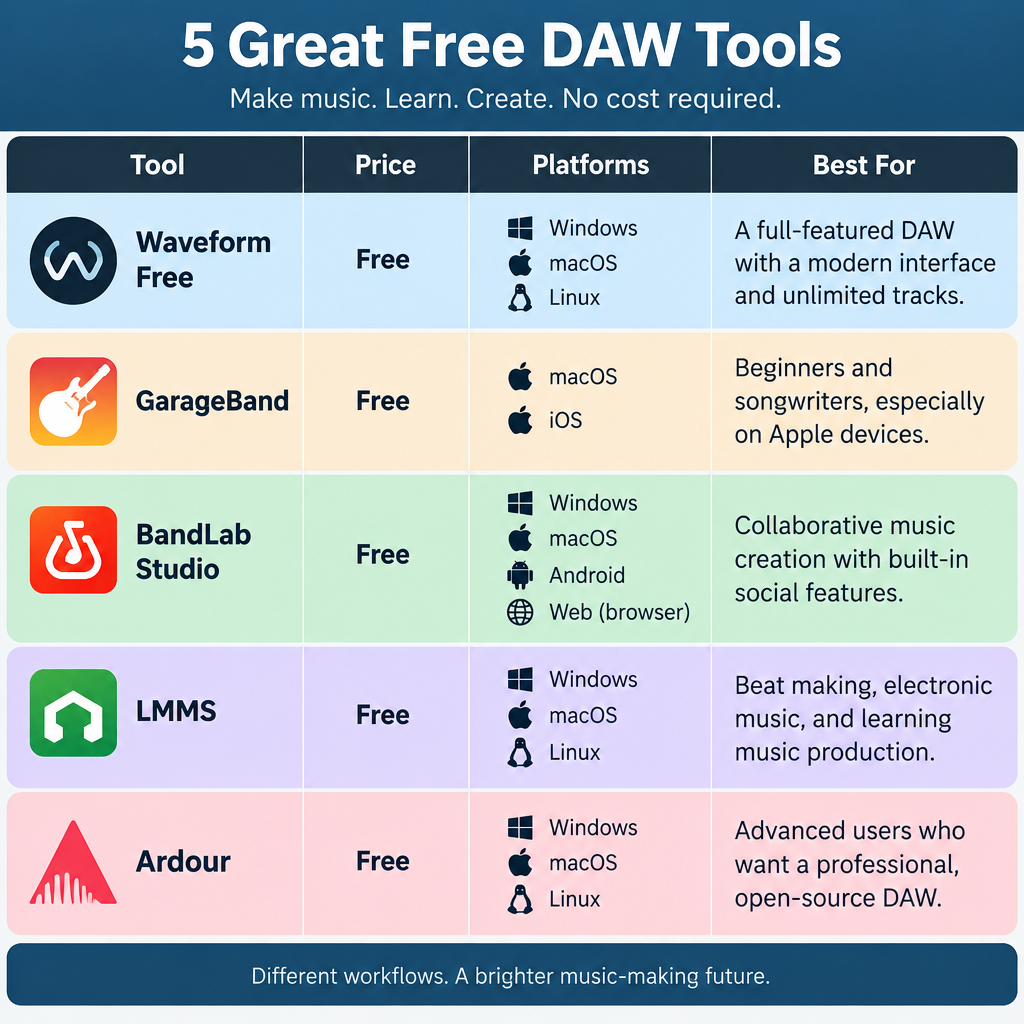
Tracktion’s Waveform Free is the one we’d install first. It runs on all three operating systems and has no track limit. It also loads third-party plugins, so the free synths and effects you collect will keep working as you grow. The paid Pro version adds extra bundled plugins and features, but you can make finished, release-ready music without it.
Quick steps: your first project
- Create a new project at 48 kHz.
- Set the buffer size to 256 samples.
- Add a MIDI track and load an instrument.
- Draw an 8-bar part in the piano roll.
- Add a drum loop on a second track.
- Export as WAV.
Producer tip
Record at a buffer of 128 or 256 samples to keep latency low. Raise it to 1024 when you mix so heavy plugins don’t crackle.
FAQ
What does DAW stand for?
DAW stands for digital audio workstation. It’s the software used to record, edit, arrange and mix audio and MIDI.
Do I need an audio interface to use a DAW?
You don’t need one to make beats or write with MIDI. Your computer’s built-in sound is fine for that. You do need one to record vocals or guitar with decent quality and low latency.
Is a free DAW good enough to release music?
Yes. Free DAWs export the same WAV files as paid ones. What holds beginners back is usually their skills, and the software rarely limits them.
Which DAW do professionals use?
Professionals use many different DAWs, and none of them is objectively “the best.” The skills you learn in a free DAW carry over to the paid ones if you switch later.