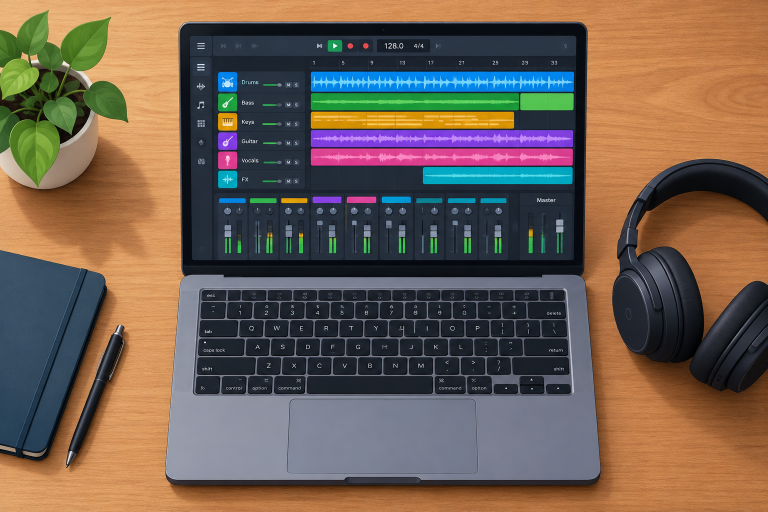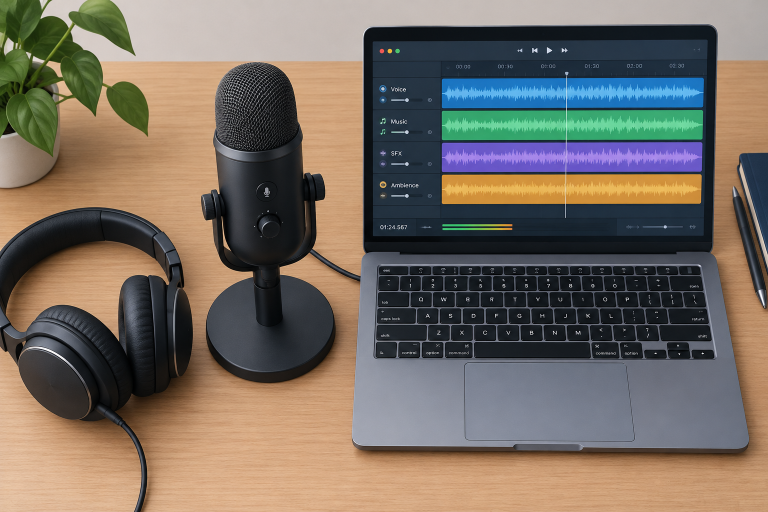
A free DAW today can record a full band, sequence MIDI, host your plugins and export a finished song without a watermark. The trick is knowing which free digital audio workstation fits your computer and your style, because some are full studios and others are glorified sketchpads. Here is our ranked list, with the limits each one hides.
Find Your Free DAW in 30 Seconds
Start with your computer and what you make, then use the full ranking below for detail.
| If you… | Pick this | Why |
|---|---|---|
| Use Windows, Mac or Linux and want no track limits | Waveform Free | Unlimited tracks, third-party plugins, all three platforms |
| Own a Mac and are brand new | GarageBand | Easiest learning curve, huge free sound library |
| Want open source and serious audio recording | Ardour | GPL-licensed, pro-grade editing and routing |
| Use a Chromebook or a school laptop | BandLab | Runs in the browser, nothing to install |
| Plan to work in pro studios later | Pro Tools Intro | Same workflow as the industry standard |
| Make beats from samples and patterns | LMMS or MPC Beats | Pattern-based workflow built for beat making |
If any of this is unfamiliar, our beginner piece on what a digital audio workstation does covers the basics.
How We Ranked These Free DAWs
We judged every freeware DAW on five things that decide whether you can finish a song:
- Real limits. Track caps, export restrictions, watermarks and upsell nags.
- Plugin support. Can you load free VST3, AU, LV2 or CLAP plugins, or are you stuck with the bundle?
- Audio and MIDI together. A DAW that can’t record a vocal over a MIDI beat is half a studio.
- Platform reach. Cross-platform tools scored higher because your projects can follow you.
- Learning curve. How fast a new producer gets from a blank project to an exported song.
Trial versions and “lite” editions that only come bundled with hardware didn’t make the ranked list. We cover them at the end.
Quick Comparison: The Best Free DAWs
| Rank | DAW | Price / licence | Platforms | Plugin formats | Best for |
|---|---|---|---|---|---|
| 1 | Waveform Free | Free (proprietary) | Win, Mac, Linux | VST3, AU (Mac) | Most producers |
| 2 | GarageBand | Free (Apple) | macOS, iOS | AU | Mac beginners |
| 3 | Ardour | Open source, GPLv2 | Win, Mac, Linux | LV2, VST2, VST3, AU (Mac) | Recording and mixing |
| 4 | BandLab | Free (online) | Browser, iOS, Android | None (built-in effects) | Chromebooks, collaboration |
| 5 | Pro Tools Intro | Free (account required) | Win, Mac | AAX | Learning Pro Tools |
| 6 | LMMS | Open source, GPLv2 | Win, Mac, Linux | VST2 (Win), LADSPA | Electronic beats |
| 7 | MPC Beats | Free (account required) | Win, Mac | VST, VST3, AU | Sample-based hip-hop |
| 8 | Cakewalk | Varies (in transition) | Windows | VST3 | Existing Cakewalk users |
1. Waveform Free (Tracktion): Best Free DAW Overall
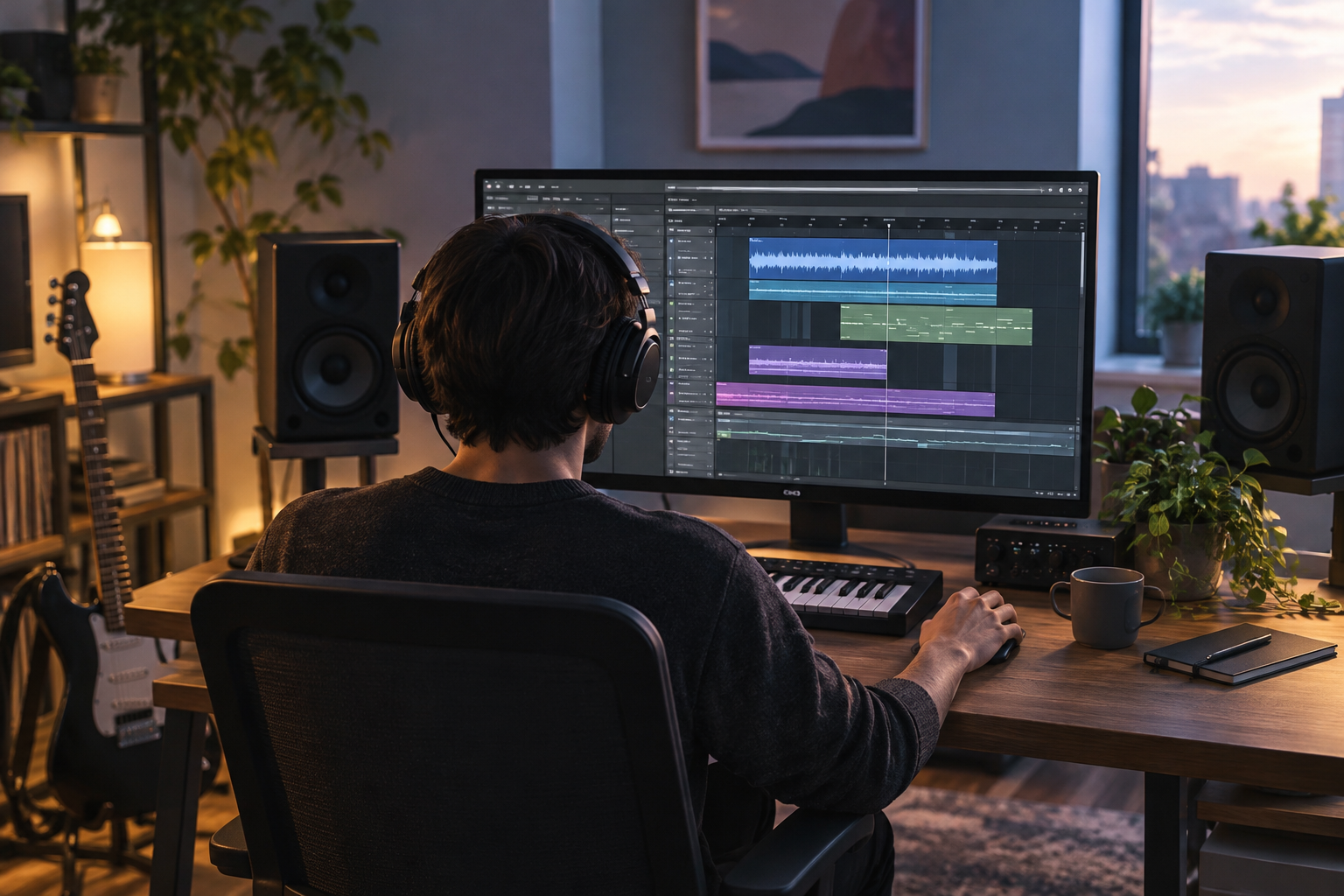
Waveform Free is our top pick because it removes the restrictions that cripple most free DAW software. You get unlimited audio and MIDI tracks, full third-party plugin support and native builds for Windows, macOS and Linux, including Raspberry Pi.
The single-window layout feels odd for an hour, then it clicks. Tracks run left to right, and you add effects by dragging plugins straight onto the end of a track. Nothing is buried in a separate mixer window.
You need a free Tracktion account to download it. The paid Waveform Pro adds extra bundled instruments, effects and advanced editing tools, and the free version shows the occasional prompt pointing you toward them. That’s the extent of the upsell. Your exports are clean.
Producer tip
Go to Settings > Audio Devices and set the buffer to 128 or 256 samples while recording, then raise it to 1024 when mixing to stop crackles on plugin-heavy projects.
2. GarageBand: Best Free DAW for Absolute Beginners
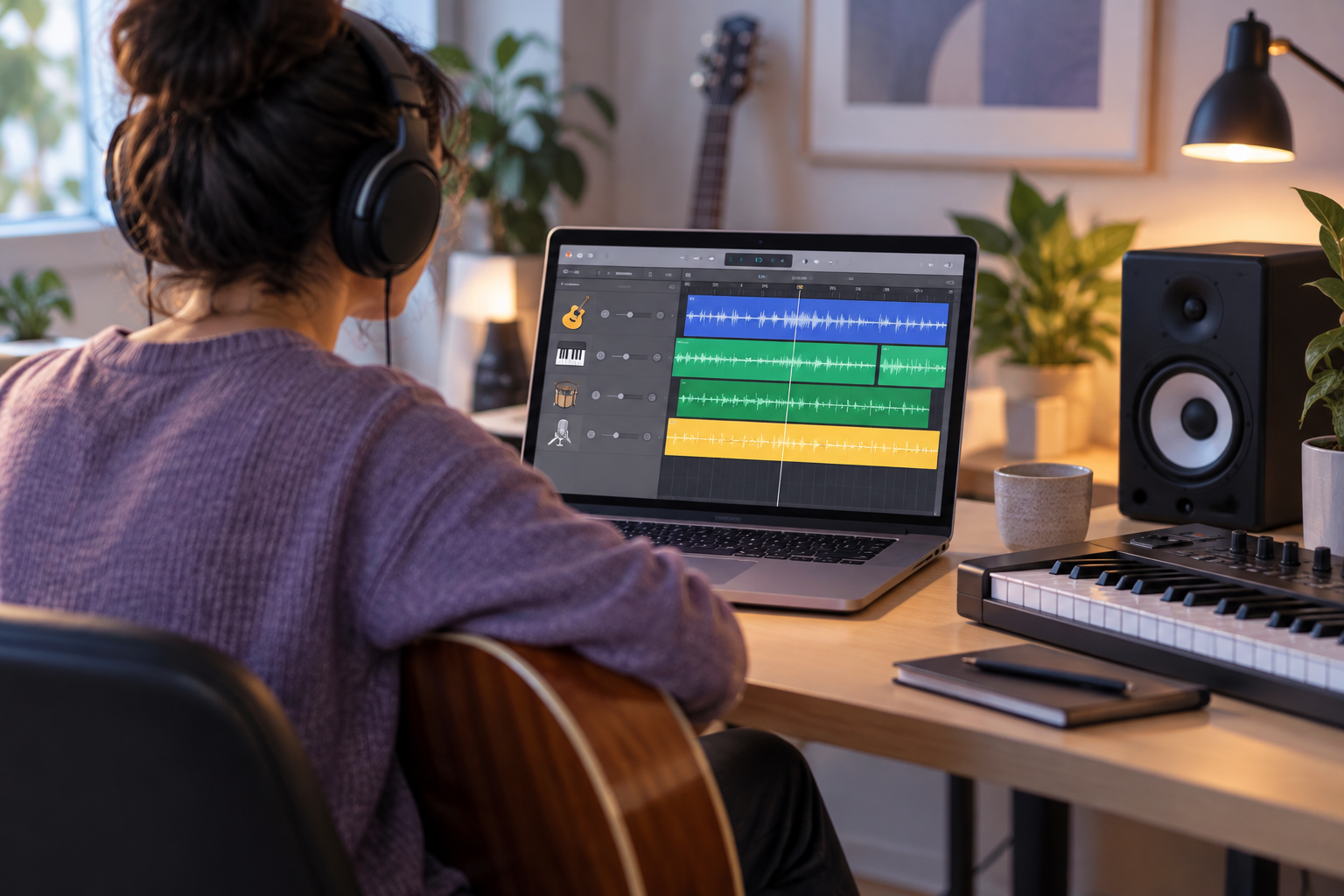
If you own a Mac, you already have one of the easiest free DAWs ever made. GarageBand supports up to 255 tracks, ships with a deep library of Apple Loops and software instruments, and includes Drummer, a virtual session drummer that plays fills and follows your song sections.
It loads Audio Unit plugins only, so check for an AU version before downloading free effects. Projects open directly in Logic Pro, which makes it the smoothest free-to-paid upgrade path on this list.
The limits show up when you mix. There’s no proper mixer view, routing is basic, and editing options are thin compared with the rest of this list. For a first song, none of that matters.
3. Ardour: Best Open-Source DAW for Recording
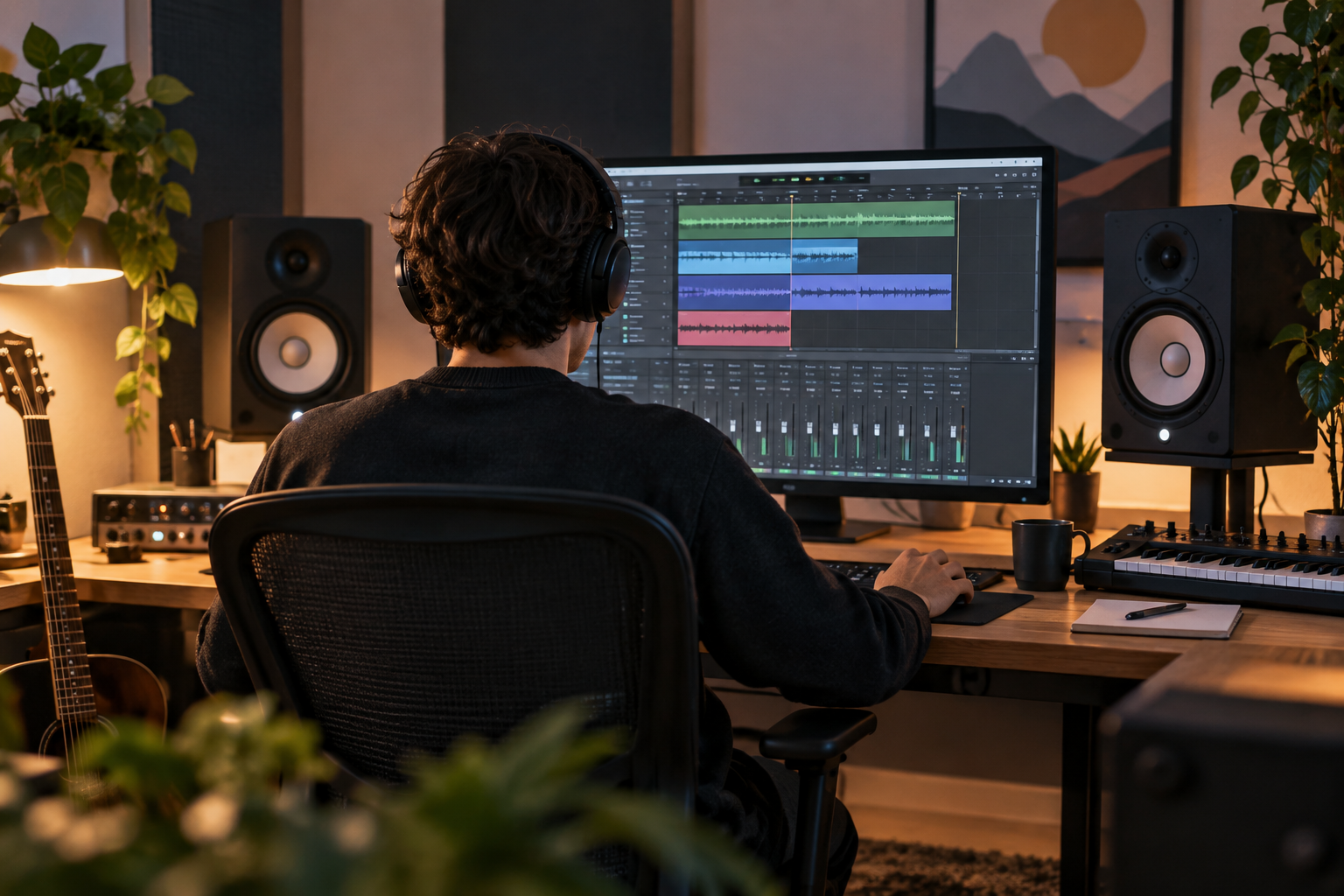
Ardour is the most capable open-source digital audio workstation available. It’s licensed under the GPLv2, runs on Windows, macOS and Linux, and handles multitrack recording, non-destructive editing, flexible routing and MIDI sequencing. It also includes its own instrument, ACE Reasonable Synth, so MIDI tracks make sound straight away.
Plugin support is wide: LV2, VST2, VST3, LADSPA and AU on Mac.
Here’s the catch. The source code is free, and most Linux distributions package Ardour at no cost. The ready-to-run builds on the official site are pay-what-you-want with a low minimum. The free demo build is fully functional but goes silent after a set time until you restart it.
Ardour shines on Linux. If you’re still choosing between Ubuntu or Linux Mint for a music machine, either will run it well.
Watch out
On Linux, Ardour can talk to your audio interface through JACK, PipeWire or ALSA. Pick one backend and stick with it, or you’ll chase phantom latency and xruns.
4. BandLab: Best Online Free DAW
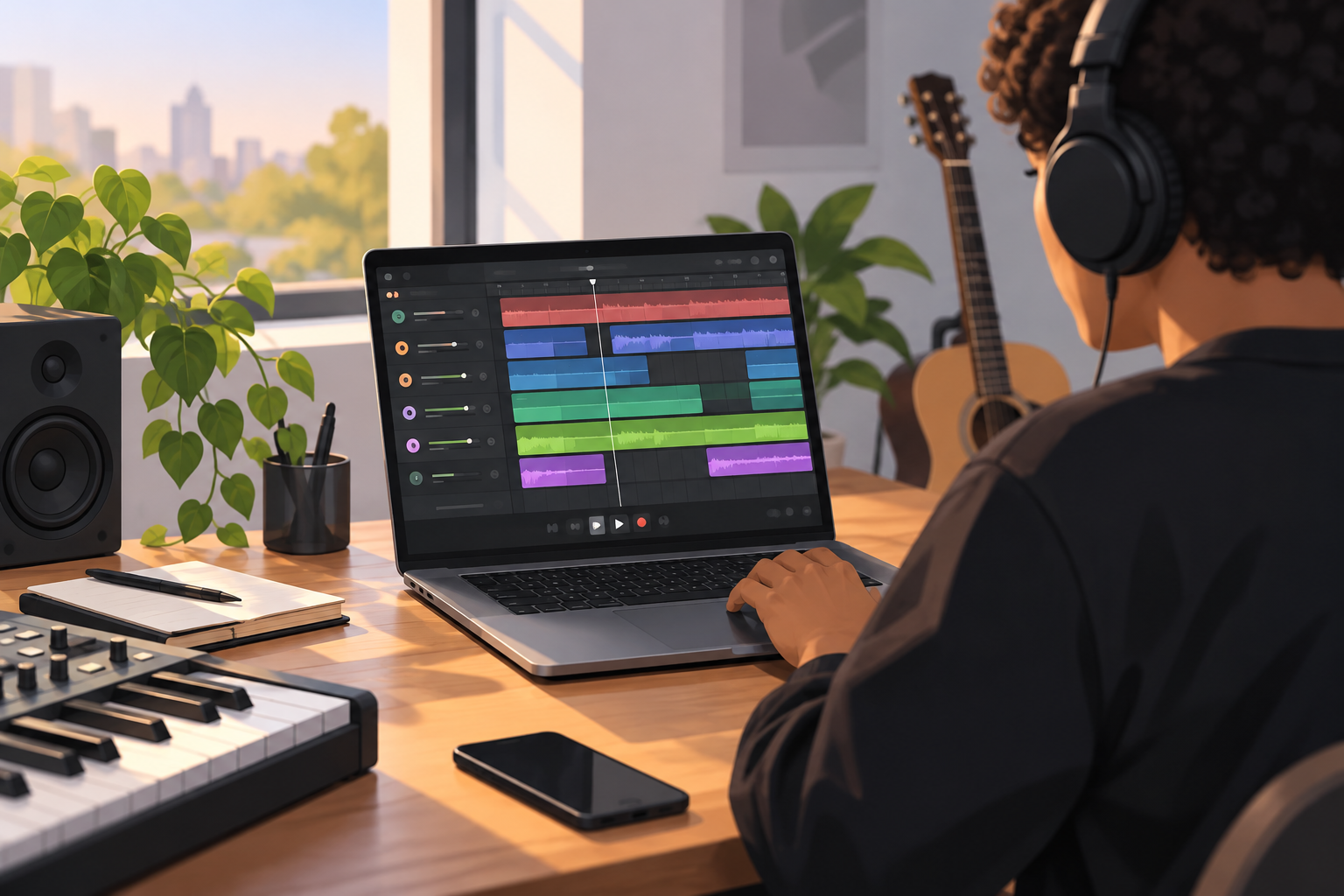
BandLab runs in your browser and on iOS and Android, with nothing to install and no cost. Projects are capped at 16 tracks, which is enough for most beats and demos. You also get thousands of royalty-free samples, built-in effects and real-time collaboration.
It’s the only sensible pick for Chromebooks and locked-down school laptops. Projects save to the cloud, so you can start a beat on your phone and finish it on a laptop.
The downside is control. You can’t load your own VST plugins, and browser audio adds latency when recording live instruments. Treat BandLab as a sketchpad and collaboration tool rather than a mixing studio.
5. Pro Tools Intro: Best for Learning the Industry Standard
Avid’s free Pro Tools Intro gives you 8 audio tracks, 8 instrument tracks, 8 MIDI tracks and 4 aux tracks on Windows and macOS. You’ll need an Avid account to install it.
The value here is the workflow. Commercial studios still run on Pro Tools, and its edit window, shortcuts and session structure carry over to the paid versions.
As a creative tool, it’s the most restrictive pick on this list. Plugin support is limited to AAX, the track caps bite quickly on full productions, and the installer pushes you toward subscriptions. Choose it to learn the job, not to make an album.
6. LMMS: Best Free DAW for Electronic Beats
LMMS is an open-source (GPLv2) beat maker for Windows, macOS and Linux, modelled on the pattern-and-song workflow of FL Studio. It comes with its own synths, including the TripleOscillator, plus a Beat+Bassline editor, a piano roll and plenty of presets.
It loads VST2 plugins on Windows and LADSPA effects everywhere.
Know the trade-off before you download. The stable release can’t record audio tracks the way a normal DAW can, so vocals and guitars are out. Development moves slowly too, and the long-running stable version is several years old. For synth-driven electronic music on an old laptop, it’s still a great free choice.
7. MPC Beats: Best for Sample-Based Hip-Hop
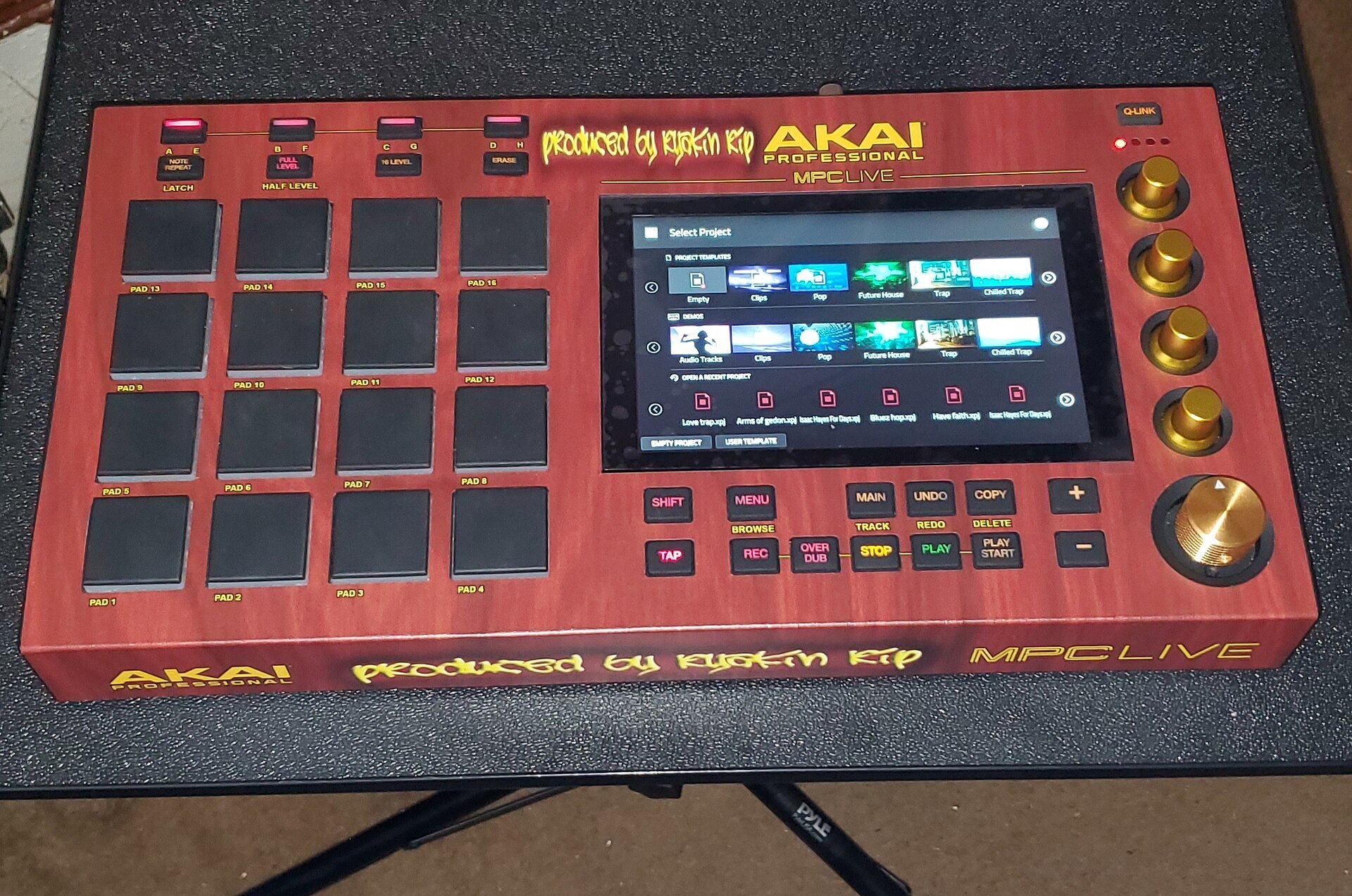
Akai’s MPC Beats brings the MPC pad-and-sequence workflow to Windows and macOS for free. You chop samples onto a 16-pad grid, program drum patterns and arrange sequences into a song. It loads VST, VST3 and AU plugins and ships with a starter sound library.
Track counts are capped well below the full MPC software, and some extra sound packs cost money. It works with any MIDI controller but feels best with an Akai pad controller.
8. Cakewalk: Strong History, Uncertain Present
Cakewalk by BandLab was the best free Windows DAW for years, with unlimited tracks and a full mixing console. BandLab has since moved development to Cakewalk Sonar and Cakewalk Next, both tied to BandLab Membership, and the legacy free version no longer gets feature updates.
What the free membership tier unlocks has changed more than once. Check the current tier list before you build projects in it. If you already know Cakewalk, it remains usable. New producers on Windows should start with Waveform Free instead.
Real Limitations of Free DAWs
No free DAW is perfect. Here’s what each one actually restricts.
| DAW | Track limit | Records audio | Third-party plugins | Watermark |
|---|---|---|---|---|
| Waveform Free | Unlimited | Yes | Yes | No |
| GarageBand | 255 | Yes | AU only | No |
| Ardour | Unlimited | Yes | Yes | No (demo goes silent) |
| BandLab | 16 per project | Yes (browser latency) | No | No |
| Pro Tools Intro | 8 audio, 8 instrument, 8 MIDI, 4 aux | Yes | AAX only | No |
| LMMS | Unlimited | No audio tracks in stable | VST2 (Win), LADSPA | No |
| MPC Beats | Capped | Yes | Yes | No |
The bigger gap is in the bundled content. Paid DAWs ship with gigabytes of instruments, effects and samples. With a free DAW, you build that toolkit yourself, and that’s where free plugins come in.
Free VST Plugins Worth Having
These free plugins fill the gaps in any free DAW that supports third-party plugins.
| Plugin | Type | Licence | Formats |
|---|---|---|---|
| Surge XT | Hybrid synth | Open source, GPLv3 | VST3, AU, CLAP, LV2 |
| Vital (free tier) | Wavetable synth | Freemium | VST3, AU |
| Dexed | FM synth (DX7 style) | Open source, GPLv3 | VST3, AU |
| Spitfire LABS | Sampled instruments | Free (requires Spitfire app) | VST, VST3, AU, AAX |
| TDR Nova | Dynamic EQ | Free | VST, VST3, AU, AAX |
| Valhalla Supermassive | Reverb and delay | Free | VST3, AU, AAX |
| Kilohearts Essentials | Effects bundle | Free | VST3, AU, CLAP |
IK Multimedia’s T-RackS also has a free version with a handful of mixing and mastering processors, a solid option for finishing tracks. For vocals, a free doubler plugin can fake automatic double tracking and thicken a thin take without recording a second pass.
Producer tip
Vital’s free tier has fewer presets and wavetables than the paid tiers, but the synth engine is identical. Learn to program it yourself and you lose nothing.
Free Sample Libraries
You can build a full drum and loop library without paying anything.
- BandLab Sounds: royalty-free loops and one-shots, free with a BandLab account.
- Freesound: a huge community library. Check each sample’s Creative Commons licence, since some require attribution.
- Looperman: user-uploaded loops, popular for hip-hop and trap.
- Spitfire LABS: playable sampled instruments rather than loops, but essential for strings, pianos and textures.
If you write melodies over these loops, knowing the key helps. Our explainer on the music scale behind common melodies makes picking matching notes much faster.
Complete Free Setup Recommendations
Pair your free DAW with these setups depending on what you make.
Beat maker on a budget laptop: LMMS or MPC Beats, Vital, Surge XT, and BandLab Sounds for drums.
Singer-songwriter: Waveform Free or GarageBand, a USB interface, TDR Nova and Supermassive. The built-in mic preamp on an entry-level interface is plenty for home vocals.
Guitarist recording demos: Ardour or Waveform Free with a free amp sim. Tune up with a guitar tuner before every take, since tuning drift ruins more demos than bad plugins do.
Linux producer: Ardour, Surge XT, Dexed and LV2 effects, all open source.
Watch out
Only download plugins and DAWs from the developer’s own site. Repackaged installers on download portals are a common source of malware and adware.
When to Upgrade: Free vs Paid DAWs
Stay free until a limit stops a real project. Upgrade signs include hitting track caps every session, needing advanced time-stretching or comping, or wanting bundled instruments you’d otherwise hunt for.
When that day comes, REAPER is the obvious next step. It isn’t free, but the 60-day evaluation is fully functional, and a discounted personal licence costs $60. GarageBand users have a direct path to Logic Pro, and Waveform Free users can move to Waveform Pro without relearning anything.
Some producers never upgrade. Plenty of finished, released music comes from Ardour, Waveform Free and GarageBand. The skill is in the person using it.
Not on the List (and Why)
- Audacity 3.7: an excellent free audio editor, but it isn’t a full DAW. MIDI support is minimal.
- Ableton Live Lite: only comes bundled with hardware like controllers and interfaces.
- Qtractor: a lean, open-source Linux DAW worth trying if Ardour feels heavy.
- Studio One Prime: discontinued, so it’s no longer a free option.
FAQ
What is the best free DAW for beginners?
GarageBand on Mac and Waveform Free on Windows or Linux. Both export clean, watermark-free songs and have no track limits that a beginner will hit.
Is there a completely free DAW with no limits?
Waveform Free comes closest, with unlimited tracks and full plugin support. Ardour is also unlimited if you build it from source or install it through your Linux distribution.
Can I release music made in a free DAW commercially?
Yes. None of the DAWs on this list claim ownership of your songs. Check the licence of any samples you use, especially Creative Commons ones that may require credit.
Which free DAW works on a Chromebook?
BandLab, because it runs in the browser. Chromebooks with Linux support enabled can also run some Linux DAWs, though performance varies widely by hardware.
Is LMMS as good as FL Studio?
No, but it covers the same pattern-based workflow for free. The biggest gap is audio recording, which LMMS’s stable release can’t handle on proper audio tracks.