

The best recording software depends on what you’re recording. As of November 2026, OBS Studio 33.0.1 is the best free choice for screen, game and webcam video. Audacity 4.0.2 is the one to use for voice and podcasts, and Ardour 9.8 or the free tier of Cakewalk Sonar handles multitrack music. Each tool below has its current version, the platforms it runs on and an honest note on what it can’t do, so you can download the right one the first time.
Key takeaways
- Pick your recording software by job. Screen recorders, audio editors and DAWs solve different problems.
- Audacity 4 has a new Qt interface, but MIDI tracks, the Mixer Board and macros aren’t back yet.
- Cakewalk by BandLab is retired. Cakewalk Sonar has a free tier that needs a BandLab account.
- If your mic sounds bad in OBS, the cause is almost always gain staging or a sample-rate mismatch, not OBS itself.
- REAPER at $60 is the one paid tool that clearly earns its price against free options.
Quick answer: the best recording software for each job (November 2026)
OBS Studio is the best free program for recording video. Audacity is the best free program for recording sound on a PC. For songs with several instruments, you want a real DAW (digital audio workstation) such as Ardour or Cakewalk Sonar. Windows 11’s Snipping Tool covers a quick 30-second clip without installing anything.
| What you’re recording | Free pick | Paid upgrade | Why |
|---|---|---|---|
| Screen tutorials, gameplay, webcam, streams | OBS Studio 33.0.1 (Windows, macOS, Linux) | Camtasia or Descript for built-in editing | Scenes, webcam overlays, up to six separate audio tracks, no watermark |
| Voice, podcast, voiceover, interviews | Audacity 4.0.2 (Windows, macOS, Linux) | REAPER ($60 discounted licence) | Fast, simple recording and editing; exports WAV, FLAC and MP3 |
| Songs, guitar and vocals, band multitracks | Ardour 9.8 (Windows, macOS, Linux) or Cakewalk Sonar free tier (Windows) | REAPER ($60) | Unlimited tracks, MIDI, low-latency monitoring, plugin hosting |
| A quick clip on Windows 11 | Snipping Tool (Win+Shift+R) | None needed | Already installed, saves MP4 locally, can capture mic and system audio on recent builds |
| A game or app clip on Windows 10 | Xbox Game Bar (Win+Alt+R) | OBS Studio (free) | Built in, one shortcut, no setup |
These picks come from current release notes, official download pages and published coverage. Each tool was weighed on five things. The first and heaviest is whether it records that job well. The rest are hidden limits (watermarks, time caps, required accounts, cloud uploads), platform coverage, whether it’s actively maintained (a release in the last few months counts), and how hard it is to learn.
First, what are you recording?
“Recording software” covers four kinds of program, and most bad experiences start with the wrong one. Audio editors record and clean up sound. DAWs record many tracks at once and handle MIDI. Screen recorders capture what’s on your display. Streaming and capture suites like OBS combine screens, cameras and audio into scenes.
Using the wrong type works badly. You can record a band in OBS, but you won’t get per-instrument tracks you can edit and mix like a song. LMMS looks like a music app, but it can’t record your vocals. And Audacity isn’t built for screen video.
Voice, podcast or voiceover
Use an audio editor. Audacity records a microphone, lets you cut mistakes, reduce noise and level the volume, and exports a finished file in minutes. The Audacity audio editor is the right tool for one or two voices. For a remote interview with several people on separate tracks, a DAW like REAPER or Ardour gives you more control.
Songs, instruments and multitrack
Use a DAW. Recording guitar and vocals on separate tracks, playing along to earlier takes and adding software instruments all need multitrack recording, low-latency monitoring and MIDI. Free options here are Ardour, Cakewalk Sonar’s free tier, Tracktion Waveform Free and GarageBand on a Mac. Before you record guitar, tune it with a guitar tuner. A DAW can fix timing, but fixing pitch takes much more work.
Screen tutorials and meetings
Use a screen recorder. For quick clips on Windows 11, the Snipping Tool is enough. For tutorials with a webcam in the corner, a selected screen area and clean narration, OBS Studio is the free standard. Cloud tools such as Loom and ScreenRec are faster to share from, but they upload your recordings, which matters for anything confidential.
Gameplay, webcam and live streams
Use a capture suite. OBS Studio records and streams at the same time, uses your graphics card’s hardware encoder (NVIDIA NVENC, AMD or Intel Quick Sync), and can put game audio, Discord and your mic on separate tracks. On Windows 10, Xbox Game Bar is the zero-setup fallback for a single game window.
Best free audio recording software
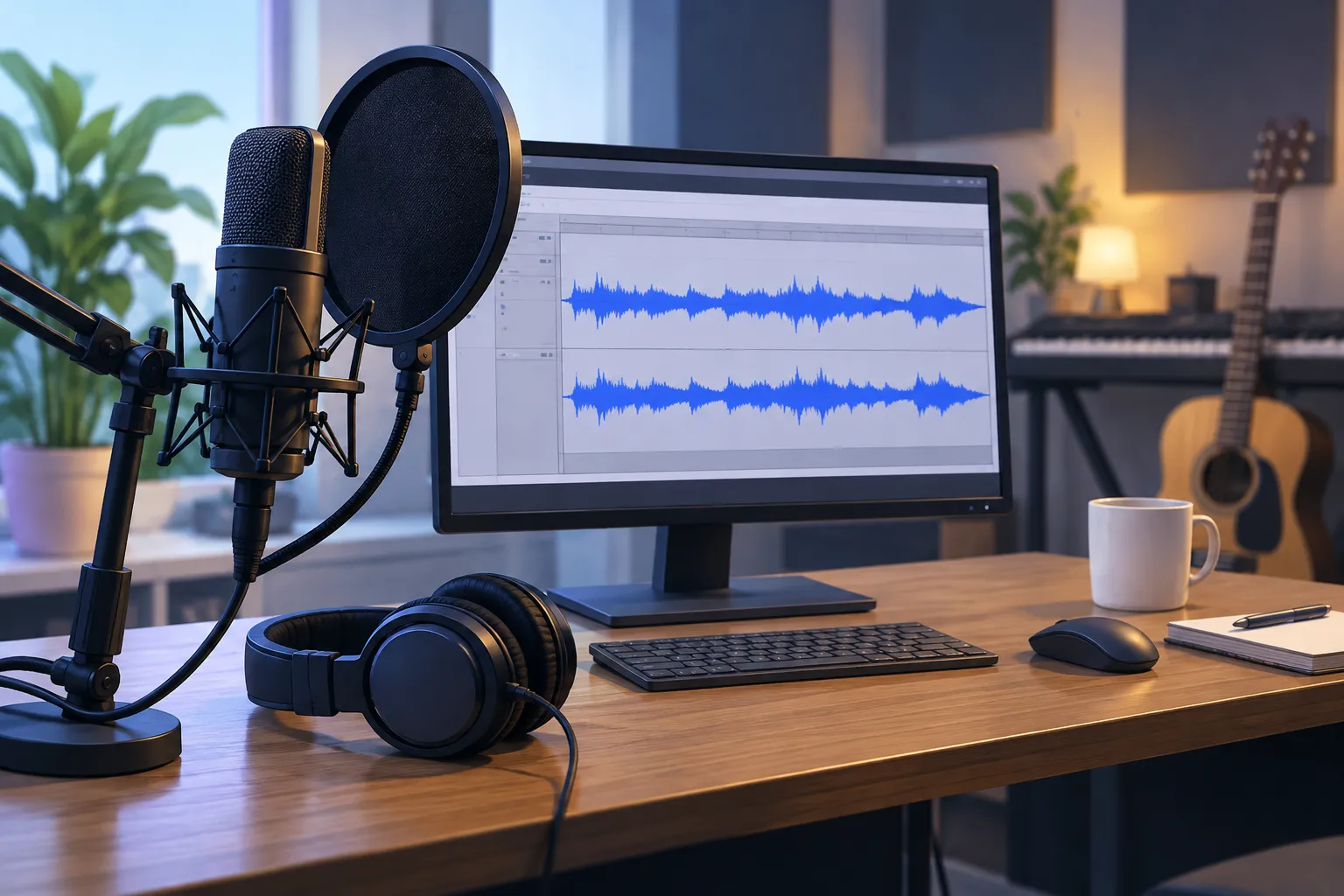
For voice, Audacity is still the default free recorder. For music, Ardour is the most capable open-source multitrack recorder on all three desktop platforms. Cakewalk Sonar’s free tier is the strongest Windows-only option. All of them are free to use, but each has limits worth knowing before you commit.
Audacity 4: what’s new, and what’s missing
Audacity 4 is the biggest redesign in the program’s history. It’s still free and open source (GPLv3), and it’s maintained by Muse Group. It’s the right choice for voice recording, but if you rely on MIDI, the Mixer Board or macros, stay on 3.7 for now.
Audacity 4.0.0 came out on September 3, 2026, and 4.0.1 followed on September 30. Version 4.0.2 arrived in early November 2026. Muse Group described it as a patch that “fixes many crashes and project corruption issues”, with new and missing features planned for 4.1. One fix in 4.0.2 matters a lot: it restores autosave during recording, which protects a take if the app crashes mid-session. If you installed 4.0.0 or 4.0.1, update before you record anything important.
Coverage from 9to5Linux and Neowin shows what 4.0 changed. The old wxWidgets interface is replaced with Qt. You can save layouts as Workspaces, and three ship built in: Modern, Classic and Music. Editing now supports selecting and editing several clips at once, grouping clips, a dedicated split tool and a redesigned envelope tool. You can also start recording anywhere on the timeline without pushing existing clips out of the way.
OMG! Ubuntu and Open Source Feed reported the trade-offs. Audacity 4.0 currently has no Time Tracks, MIDI tracks, Mixer Board, Macro Manager or VAMP/LADSPA plugin hosting. Projects now save as .aup4. Audacity 4 can open and convert your old .aup3 projects, but the conversion only goes one way.
| Feature | Audacity 3.x (3.7) | Audacity 4.0 |
|---|---|---|
| Interface toolkit | wxWidgets | Qt |
| Saved layouts | Fixed toolbars | Workspaces: Modern, Classic, Music |
| Clip editing | One clip at a time | Multi-clip selection, grouping, dedicated split tool |
| Envelope tool | Classic | Redesigned |
| Project format | .aup3 | .aup4 (one-way conversion from .aup3) |
| MIDI (Note) tracks | Yes | Not yet |
| Mixer Board | Yes | Not yet |
| Macro Manager | Yes | Not yet |
| Time Tracks | Yes | Not yet |
| VAMP and LADSPA plugins | Yes | Not yet |
| Plugin formats | Nyquist, VST, VST3, LV2, LADSPA, AU (Mac) | Nyquist, VST3, LV2 (Linux), Audio Units (macOS) |
Watch out
Converting a .aup3 project to .aup4 can’t be undone. Copy your Audacity 3 projects to a backup folder before you open them in Audacity 4.
There are also two upsells to know about. Audacity’s default download button installs MuseHub, Muse Group’s store and plugin manager, and the site promotes paid plugins and audio.com cloud storage. Neither is required to record, edit or export. Audacity has passed 100 million downloads since 2000, and the program itself has no watermark, time limit or account requirement.
Producer tip
To skip MuseHub, use the “Download without MuseHub” link on audacityteam.org. On Windows that gives you the .msi installer, and on macOS the universal .dmg.
Is Audacity good for recording music? For a single instrument, a demo or a voice-and-guitar take, yes. For a song where you add parts while hearing earlier takes, with software instruments and a proper mixer, no. Audacity 4 has no MIDI tracks and no Mixer Board, and it was never designed around low-latency overdubbing. Those jobs belong in a DAW.
Ardour 9.8: the open-source DAW for real multitracking
Ardour is the best free multitrack recorder that runs on Windows, macOS and Linux. It records as many audio and MIDI tracks as your hardware can handle, with professional routing, punch recording and plugin hosting.
According to Ardour’s own release page, version 9.8 shipped on August 23, 2026, about two and a half months after 9.7. It adds initial support for keys and scales, so MIDI tracks can flag notes outside a chosen scale. Clip recording now always gets a two-bar count-in. The release also improves LTC timecode support and adds support for the Novation Launchkey 88 Mk4 and Arturia Drumbrute. LV2 plugins gained string-parameter UI support, and VST3 plugins on Linux are now found in lib64 paths.
The change that matters most for recording is crash recovery. Linuxiac reported that if the system crashes during a take, you lose about five seconds of audio at most.
Did you know?
According to Open Source For You’s coverage of the August 2026 release, Ardour 9.8 improved recovery of audio recordings after a system crash mid-take, so a crash costs you seconds of audio instead of the whole take.
Ardour’s limits are about money and how hard it is to learn, not features. The source code is free under the GPL, and Linux distributions package it for free. The ready-to-run builds on ardour.org are pay-what-you-choose, and the unpaid demo build is time-limited. Expect a learning curve: Ardour borrows its workflow from studio consoles, and its routing window looks intimidating at first. On Linux it’s the natural choice, because it runs directly on ALSA, JACK or PipeWire. If you’re still choosing a distribution, Ubuntu or Linux Mint both handle Ardour well.
Cakewalk Sonar free tier: the replacement for Cakewalk by BandLab (Windows)
Cakewalk by BandLab, for years the most popular free DAW on Windows, has been retired. Activation renewals ended on December 31, 2025. Its successor, Cakewalk Sonar, has a free tier, which still makes it one of the best free Windows DAWs for recording guitar and vocals.
BandLab’s help article says the free tier gives you unlimited audio and MIDI tracks and access to the main features, with “a few minor limitations”. You need a free BandLab account to sign in. Third-party reviews say the free tier offers only some ProChannel modules and one Arranger track. A paid BandLab Membership unlocks the full ProChannel set, plugin oversampling and Elastique Pro time-stretching. Old Cakewalk projects open in Sonar, but any project that used premium features needs a paid plan for those parts.
Did you know?
According to Cakewalk’s Sonar page, Cakewalk by BandLab stopped renewing activations on December 31, 2025. The free download that thousands of Windows tutorials still recommend no longer stays activated.
Sonar runs on Windows only and hosts VST3 and VST2 plugins. For a beginner who wants a familiar, polished Windows DAW for guitar and vocals, it’s the friendliest free choice. The trade-off is that you depend on a company account that has to reactivate from time to time, while Ardour has no account at all.
Waveform Free and GarageBand: other zero-cost DAWs
Tracktion Waveform Free and Apple’s GarageBand are both completely free, with unlimited tracks. GarageBand runs only on a Mac. Waveform Free is the one to pick if you want a modern, loop-friendly DAW without signing in.
Waveform Free gives you unlimited audio and MIDI tracks and hosts VST, VST3 and AU plugins. Version 14 added a built-in AI assistant, and Sonic State reported a 14.1 update in November 2026. Earlier versions ran on Linux too, but the current spec table lists Windows and macOS, with Linux “coming soon”. If you’re on Linux, check the download page before you plan around it.
GarageBand comes free from the Mac App Store and hosts Audio Units only. It’s the easiest first DAW on a Mac: plug in an interface, pick a track type and press record. When you outgrow it, your projects open in Logic Pro, Apple’s paid DAW.
Why LMMS isn’t a recorder
LMMS is a free, open-source pattern sequencer for beats and MIDI. It isn’t an audio recorder. It’s great for programming drums and synths, but it has no practical way to record a microphone or guitar input into a track, so “Can LMMS record my guitar?” gets a no.
Record the guitar in Audacity or Ardour, export it as WAV and import that file into LMMS as a sample if you want to build a track around it. If beat-making is your actual goal, a guide on making beats for beginners will serve you better than forcing LMMS into a recording role.
NCH’s WavePad and MixPad also show up in these searches. Both have a free version for home use, but they push you to upgrade, and the vendor pages list no version numbers or dates. Audacity and Ardour do the same jobs with no upsell.
Best free video and screen recording software
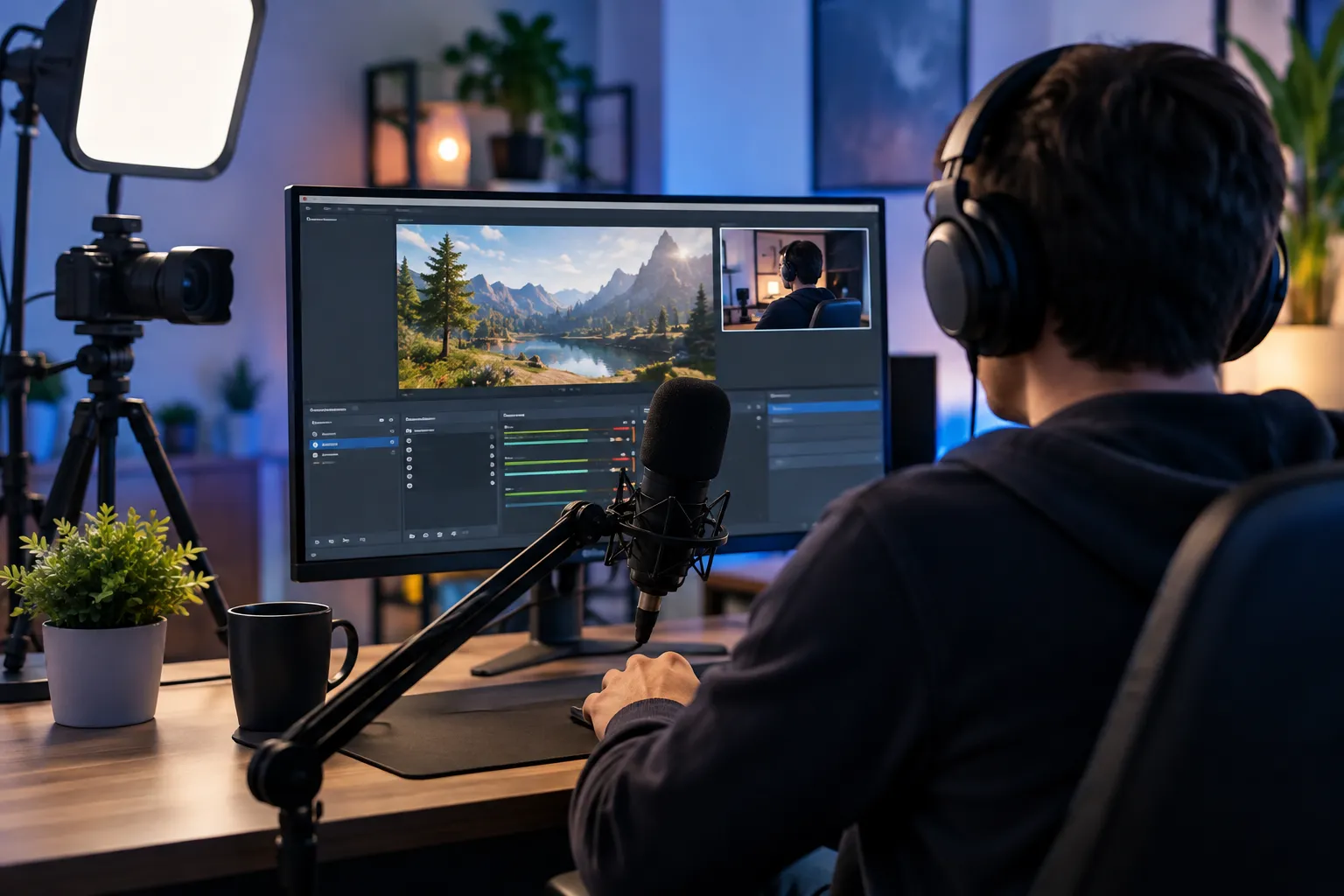
OBS Studio is the best free screen and video recorder on Windows, macOS and Linux. It’s open source (GPLv2) and maintained by the OBS Project, with no watermark, no time limit and no account. For a quick clip, Windows 11’s Snipping Tool and Xbox Game Bar are already on your PC.
OBS Studio 33: what changed and the settings that matter for recording
OBS Studio 33.0.1 is the current release, dated October 29, 2026. It supports Windows 10 and 11, macOS 13.0 or newer on Intel and Apple Silicon, and Linux. The hotfix fixes a crash when logging into the Twitch integration and a memory leak in the image slideshow source.
Version 33.0 was a big release. Its built-in browser engine (the Chromium Embedded Framework, or CEF) jumped from version 127 to 150, which matters for browser sources like alerts and overlays. Plugin loading on Windows was reworked: plugins installed in old folders are now flagged “Legacy”, and OBS 34.0 will stop loading from those folders. Linuxiac also reported that NVENC now works on Arm64 Windows, OBS supports newer NVIDIA Broadcast SDK versions, and new hotkeys control audio monitoring per source. On Linux, the official package now targets Ubuntu 26.04 and drops Ubuntu 24.04. Elgato’s summary adds that Safe Mode now blocks all third-party plugins (bundled ones still load) and no longer starts the WebSocket server.
Did you know?
According to the OBS Studio 33.0 release notes on GitHub, plugins installed in old Windows folders are now flagged “Legacy”, and a future release will stop loading from those folders entirely.
OBS’s download page is written for streamers, but most people just need it to record. These are the settings that decide recording quality:
- Settings > Output > Output Mode: Advanced, then open the Recording tab. This exposes the encoder, the file format and the audio track checkboxes.
- Recording Format: choose MKV or Hybrid MP4. Both survive a crash or power cut better than plain MP4, which can be unreadable if recording stops suddenly. If you record MKV, the remux option under File > Remux Recordings converts it to MP4 for editors that want it.
- Encoder: pick your graphics card’s hardware encoder (NVENC on NVIDIA, AMF on AMD, Quick Sync on Intel) so the recording doesn’t slow your game or apps. Use a quality-based rate control (CQP or CRF) rather than a fixed streaming bitrate.
- Audio tracks: tick several tracks in the Recording tab. Then use Edit > Advanced Audio Properties to put your mic, desktop audio and voice chat on different tracks. This lets you fix the balance afterwards instead of being stuck with one mixed track.
- Settings > Audio > Sample Rate: 48 kHz, which is the standard for video. Set your Windows or macOS mic to the same rate (more on this below).
- Settings > Video: set Base (Canvas) and Output resolution to your screen size for tutorials, and 30 or 60 fps.
For tutorials, add a Display Capture or Window Capture source, then a Video Capture Device for your webcam, and drag the webcam into a corner. To record only part of the screen, hold Alt (Option on a Mac) while dragging a source’s edge to crop it, or capture a single window. Expect a short learning curve, since you need to understand scenes and sources before you press record. After that, OBS does more than any paid recorder in its category.
Can OBS record audio only? Not cleanly. It always writes a video file, so you get a black-screen video with your audio tracks inside. You can pull the audio out afterwards, but for voice-only work Audacity is simpler and gives you a WAV file directly.
Windows 11 Snipping Tool and Xbox Game Bar (Windows 10)
Windows has two built-in screen recorders. Snipping Tool on Windows 11 records any area of the screen. Xbox Game Bar on Windows 10 and 11 records one app or game window. Neither adds a watermark.
Press Win+Shift+R to open Snipping Tool straight into recording mode, drag a box around the area you want, then start. Microsoft has been rolling out audio recording (system sound plus microphone) in Snipping Tool, starting with Windows Insiders in 2025. The microphone and system-audio toggles sit in the recording toolbar.
If Snipping Tool isn’t recording audio during screen capture, three things usually cause it. Your app is out of date (update it in the Microsoft Store). The toggles are off (turn on the mic and speaker icons before you press Start). Or Windows privacy settings are blocking it (Settings > Privacy & security > Microphone must allow Snipping Tool to use the mic).
Xbox Game Bar opens with Win+G, and Win+Alt+R starts and stops recording. It records the active app with system and mic audio and saves MP4 files to your Videos\Captures folder. It can’t record the desktop or File Explorer, or select an area, so it’s only useful for capturing a single program.
Cloud recorders (ScreenRec, Loom): convenience vs privacy
Cloud recorders are fast for sharing a quick walkthrough, but your recordings end up on someone else’s servers. If you record client data, internal tools or anything under an NDA, use a recorder that saves files locally, such as OBS or Snipping Tool.
ScreenRec is tied to the StreamingVideoProvider cloud and uploads recordings by default. Its latest listed version, 5.0.13, dates from July 2025, and its page still claims support for Windows 7, Vista and XP, which have been unsupported for years. Loom stores videos in its cloud library, and its free plan caps both recording length and how many videos you can keep. Paid tools such as Descript, Tella and Screen Studio (macOS only) add polished editing on top. All of them are subscription or one-time purchases, not free tools.
| Tool | Saves locally | Auto-uploads to cloud | Watermark / time limit | System audio |
|---|---|---|---|---|
| OBS Studio | Yes (MKV, MP4, MOV) | No | None / none | Yes |
| Windows 11 Snipping Tool | Yes (MP4) | No | None / none | Yes on recent app versions |
| Xbox Game Bar | Yes (MP4 in Videos\Captures) | No | None / length set in Captures settings | Yes |
| ScreenRec | Cloud-first | Yes, by default | No watermark advertised | Yes |
| Loom (free plan) | Cloud library, downloads possible | Yes | Free plan caps length and video count | Yes, desktop app |
So, is there a screen recorder with no watermark and no time limit? Yes: OBS Studio and Snipping Tool both record locally with neither restriction.
Recording software for beginners: where to start
Beginners should start with Audacity for audio and OBS Studio for video. Both are free, run on every desktop platform and have the most tutorials when you get stuck. Add a DAW only when you need to record music in layers.
Quick steps: your first clean recording
- Plug in the mic or audio interface before opening the app.
- Select that device as the input in the app’s audio settings.
- Set the sample rate to 48 kHz for video or 44.1 kHz for music.
- Speak or play at full volume and set peaks around -12 to -6 dB.
- Record 10 seconds, play it back on headphones, then record for real.
- Export a WAV master first, then MP3 or MP4 copies.
The level step matters most. Digital audio distorts harshly above 0 dB, so peaks in the -12 to -6 dB range leave room for a sudden laugh or a hard strum. If a USB mic reads too quietly even at maximum, the problem is the mic’s output, not the software. With an XLR mic, deciding whether you need a mic preamp comes down to how much clean gain your interface has.
Windows
Start with Audacity for voice, OBS Studio for video and Cakewalk Sonar’s free tier for music. In Audacity’s audio settings, the Windows WASAPI host gives you more accurate device handling than MME. Choose the loopback version of your speakers or headphones to record what your PC is playing. For music with an audio interface, install the manufacturer’s ASIO driver and select it in your DAW. Buffer sizes of 128 or 256 samples keep monitoring latency low enough to play along.
For the best recording software on Windows 10, the answer is the same as for Windows 11: OBS and Audacity both support it. The one difference is that Windows 10 doesn’t have Snipping Tool’s recorder, so Xbox Game Bar is the built-in option there.
Mac
Start with Audacity for voice, GarageBand for music and OBS Studio for screen recording. OBS on macOS 13 or newer can capture system audio through Apple’s ScreenCaptureKit, which older Mac setups needed a separate virtual audio driver for. For a quick screen grab, the built-in Shift+Cmd+5 toolbar works, but it doesn’t capture system audio, so use OBS for tutorials with app sound.
Linux
Start with Audacity, OBS Studio and Ardour, which is native to Linux. OBS’s official package now targets Ubuntu 26.04. On other distributions, or on Ubuntu 24.04, the Flathub build is the other supported route. On Wayland desktops, OBS records the screen through PipeWire, so add the “Screen Capture (PipeWire)” source instead of the X11 one. Audacity 4 supports LV2 plugins on Linux, and Ardour hosts LV2, VST2 and VST3, which opens up open-source plugin collections like LSP Plugins.
Free vs paid: when to spend money
Most people never need paid recording software. Free tools record at the same bit depth and sample rate and produce the same quality files. What you pay for is speed: faster editing, fewer workarounds and support. One paid tool clearly earns its price.
REAPER ($60) vs Ardour
REAPER from Cockos is the one paid upgrade worth buying. Its discounted licence costs $60 and covers personal use and businesses earning under $20,000 a year. The commercial licence is $225. Both are the same software, and either licence includes free upgrades through version 8.99. The 60-day trial is fully functional.
Ardour does the core job just as well and costs nothing on Linux, so the comparison comes down to workflow. REAPER is easier to customise, lighter on older hardware, and hosts VST, VST3, CLAP, AU, LV2 and its own JSFX plugins. It’s also one of the best tools for podcasts with several speakers. Ardour is fully open source and fits more naturally into Linux audio setups. The case against buying REAPER: if Ardour already does what you need, $60 buys convenience, not better sound. For a fuller ranking of production-focused options, look for a guide to the best free DAW.
Camtasia and Descript vs OBS plus a free editor
TechSmith’s Camtasia and Descript bundle recording and editing in one app, with features like cursor effects, captions and text-based editing. Free tools get you the same result in two steps: record in OBS, then edit in Shotcut, Kdenlive or DaVinci Resolve’s free version. Pay for the bundle if you publish tutorials every week and editing time costs you money. If you post a YouTube video now and then, the free stack is enough.
What a Sonar Membership adds
A BandLab Membership adds the full ProChannel module set, multiple Arranger tracks, plugin oversampling and Elastique Pro time-stretching to Cakewalk Sonar. Those are mixing and editing extras. Free-tier recordings sound exactly the same, so most home studios can stay on the free tier.
Get better audio in any recorder
When a mic sounds clean in Audacity but bad in OBS, the usual cause is gain staging or a sample-rate mismatch, not OBS. Fix the Windows settings first, then shape the sound with OBS filters. For the best quality, record the voice in Audacity alongside the video.
Distortion that Audacity doesn’t pick up usually comes from one of these:
- Mic boost is too high. In Control Panel > Sound > Recording, open your mic’s Properties > Levels. Set Microphone Boost to 0 dB, if your device has it, and bring the main level down until peaks stop clipping.
- Sample rates don’t match. In the same Properties window, open Advanced and set the Default Format to 48000 Hz. Then set OBS’s Settings > Audio > Sample Rate to 48 kHz as well. A mismatch forces resampling, which can cause crackles and a thin sound.
- Windows is processing the signal. Turn off “audio enhancements” for the mic in Windows sound settings. They’re tuned for calls, not recordings.
- Filters are too aggressive. Right-click the mic in OBS’s audio mixer and choose Filters. Use a Gain filter for volume, plus Noise Suppression (the RNNoise method sounds more natural than Speex). Add a Limiter at about -1 dB as a safety net. Heavy noise suppression makes a voice sound robotic, so use the lightest setting that works.
Producer tip
If your mic sounds worse in OBS, set Windows mic boost to 0 dB, do the level adjustment with an OBS Gain filter, and run both Windows and OBS at 48 kHz.
The OBS + Audacity dual-record workflow
Is it worth recording audio separately in Audacity while capturing video in OBS? For narrated tutorials and voiceovers, yes. You get a clean WAV file you can edit with Audacity’s tools, and a bad section can be re-recorded without redoing the video.
- In Audacity, select your mic as the input and arm a mono track at 48 kHz.
- In OBS, keep your mic on a separate audio track as a backup “scratch” track.
- Start the OBS recording, then the Audacity recording, and clap once on camera.
- When you’re done, stop both, clean the voice in Audacity and export WAV.
- In your video editor, line up the clap’s sharp spike in the scratch track with the spike in the Audacity file, then mute the scratch track.
Most mics can be used by both apps at the same time on Windows and macOS. If one app reports the device as busy, disable exclusive mode in the mic’s Advanced properties in Windows. This is also the most reliable free way to record audio on your computer at full quality while the screen is captured.
Free plugins that beat paid ones (VST3/LV2)
A few free plugins match paid ones for voice and recording work. Tokyo Dawn Records’ TDR Nova, a free dynamic EQ in VST3 and AU, handles de-essing and taming harsh voice frequencies as well as many paid tools. LSP Plugins, an open-source collection in LV2, VST and CLAP, covers compressors, gates and limiters, and is especially useful on Linux. NVIDIA Broadcast, free on RTX cards, is strong at removing background noise and works with OBS 33’s updated SDK support.
Check formats before you install anything. Audacity 4 loads VST3 everywhere, LV2 only on Linux and AU only on macOS. OBS’s built-in plugin filter hosts only VST 2.x plugins, so a plugin that comes only as VST3 won’t load there.
Comparison table
This table compares every tool on price, platforms, type and current version as of November 15, 2026. Look at the multitrack and MIDI columns: they show at a glance which tools can handle music and which only handle voice or video.
| Software | Best for | Price | Windows / macOS / Linux | Multitrack | MIDI | Plugin formats | Latest version (date) |
|---|---|---|---|---|---|---|---|
| OBS Studio | Screen, game, webcam video | Free, open source (GPLv2) | Yes / Yes (13.0+) / Yes | Up to 6 audio tracks | No | OBS plugins, VST 2.x filters | 33.0.1 (Oct 29, 2026) |
| Audacity | Voice, podcasts, editing | Free, open source (GPLv3) | Yes / Yes / Yes | Yes | Not in 4.0 | Nyquist, VST3, LV2 (Linux), AU (macOS) | 4.0.2 (Nov 2026) |
| Ardour | Multitrack music | Free source (GPL); paid ready-made builds | Yes / Yes / Yes | Unlimited | Yes | LV2, VST2, VST3, AU (macOS) | 9.8 (Aug 23, 2026) |
| Cakewalk Sonar (free tier) | Windows music recording | Free with BandLab account | Yes / No / No | Unlimited | Yes | VST3, VST2 | Current Sonar release |
| Tracktion Waveform Free | Cross-platform music, no login | Free | Yes / Yes / Listed as coming | Unlimited | Yes | VST, VST3, AU | 14.1 (Nov 2026) |
| GarageBand | Mac beginners | Free | No / Yes / No | Yes | Yes | AU | Mac App Store updates |
| Windows 11 Snipping Tool | Quick screen clips | Free, built in | Windows 11 only | No | No | None | Microsoft Store updates |
| Xbox Game Bar | Single-app clips on Windows 10 | Free, built in | Yes / No / No | No | No | None | Built into Windows |
| REAPER (paid) | Pro audio on a budget | $60 discounted, $225 commercial | Yes / Yes / Yes | Unlimited | Yes | VST, VST3, CLAP, AU, LV2, JSFX | REAPER 7 (licence covers to 8.99) |
Start with the free pick for your job and use it until you run into something it can’t do. Most people never do. When it does happen, the paid tools named here are the ones that fix the problem.
FAQ
Which software is best for recording?
It depends on what you record. OBS Studio is best for screen, game and webcam video. Audacity is best for voice and podcasts. Ardour or Cakewalk Sonar’s free tier is best for multitrack music. All of them are free.
What is the best audio recorder software?
For most people, Audacity 4.0.2. It’s free, open source, runs on Windows, macOS and Linux, and exports WAV, FLAC and MP3. For multitrack music, a DAW such as Ardour or REAPER is the better audio recorder.
What is the best recording software for beginners?
Audacity for sound and OBS Studio for video, because they’re free and have the most tutorials. On a Mac, GarageBand is the easiest way to start recording music.
What is the best software to record video?
OBS Studio 33.0.1. It records any screen, window or webcam with no watermark or time limit, uses hardware encoders, and can keep audio sources on separate tracks.
What is the best free recording software for PC?
OBS Studio for video and Audacity for audio. If you’re on Windows 11 and just need a short clip, Snipping Tool (Win+Shift+R) is already installed.
What is the best recording software for Windows 10?
OBS Studio and Audacity both fully support Windows 10. Xbox Game Bar (Win+Alt+R) is the built-in fallback, but it records only one app window at a time.
Is OBS Studio really free?
Yes. OBS Studio is open source under the GPL, made by the OBS Project, with no paid tier, watermark, time limit or account requirement. The project is funded by donations and sponsors.
Is Audacity still free?
Yes. Audacity remains free and open source under Muse Group. The default installer adds MuseHub and the site promotes paid plugins and audio.com cloud storage, but none of that is required. Use the “Download without MuseHub” link to skip it.
Can OBS record audio only?
Not as a pure audio file. OBS always records a video file, even with no video sources. For audio-only recordings, Audacity is simpler and saves WAV directly.
Is Audacity good for recording music?
It’s fine for single takes and demos. For layered songs it falls short: Audacity 4 has no MIDI tracks or Mixer Board yet, so use Ardour, Cakewalk Sonar, Waveform Free or GarageBand instead.
Does Audacity 4 still have MIDI? Where did the Mixer Board go?
Not yet. Audacity 4.0 launched without MIDI tracks, Time Tracks, the Mixer Board, the Macro Manager and VAMP/LADSPA hosting. Muse Group says it plans to bring missing features back starting with 4.1. Until then, stay on 3.7 or move MIDI work to a DAW.
Is Cakewalk still free? What happened to Cakewalk by BandLab?
Cakewalk by BandLab was retired, and its activations stopped renewing on December 31, 2025. Its successor, Cakewalk Sonar, is free to use on Windows with a BandLab account. A paid Membership adds premium modules and time-stretching.
Can LMMS record my guitar?
No. LMMS is a sequencer for beats, synths and MIDI, not an audio recorder. Record the guitar in Audacity or Ardour, export it as WAV, and import it into LMMS as a sample.
How do I download Audacity without MuseHub?
On audacityteam.org, choose “Download without MuseHub” instead of the main button. Windows users get the .msi installer, and Mac users get the universal .dmg.
Keep reading
Free music tools
Editorial notes
- Fact-checked by Vivian Osei against the sources listed below before publication.
- Published
Sources (8)
- Open Broadcaster Software | OBS (obsproject.com)
- OBS Studio 33.0.0 release notes (github.com)
- OBS Studio 33.0 arrives with a two-year browser engine jump and a plugin loading rework (alternativeto.net)
- OBS Studio 33.0 Released with Updated Browser Engine, Plugin Changes (linuxiac.com)
- OBS Studio stable release notes (obsproject.com)
- OBS Studio 33.0 update: what's new (elgato.com)
- Audacity 4.0.0 changelog (audacityteam.org)
- Audacity | Free, Open Source Audio Editor and Recorder (audacityteam.org)